Welcome to My Website!

My name is Anmar Jarjees, and I am a Software Developer and Software Development Instructor based in Toronto, Canada. The photos above were captured at various beautiful locations across Canada using my cell phone.

To all visitors and friends, this website was originally created as part of my academic studies. Currently, due to my professional responsibilities and commitments as an instructor, including my involvement in music, I am not available to take on additional projects or freelance work.

Read more

My Portfolio

This section includes samples for my Web / SW Development, Graphic Design, and Flash Design (for large screens only)

Web & Software Development

StatFormula:

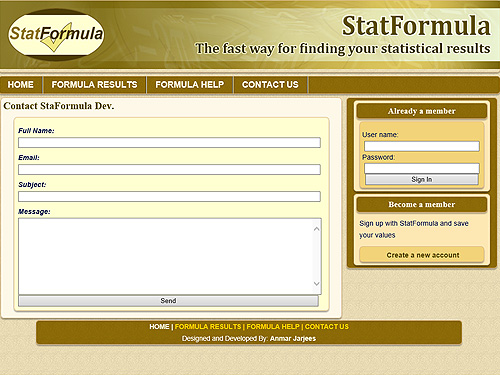
This "database-driven" project is about statistical main formulas (The mean, The variance, The standard deviation, and The median). The project uses PHP for calculating the statistical formulas and it was built using the CodeIgniter Framework. CSS3 media queries were used to make the website responsive. Website's members can create their profiles and save their numbers (the values to be calculated).

Technologies:

  • HTML5/CSS3 (Responsive Design)
  • JavaScript
  • PHP/CodeIgniter
  • MySQL Database
  • Adobe Photoshop
  • NetBeans / Sublime (IDEs)

BYNO Mechanical:

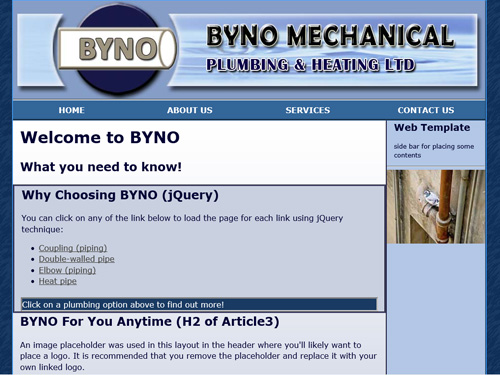
This was a template for BYNO Mechanical Plumbing.

Technologies:

  • HTML5/CSS2
  • JavaScript/jQuery
  • Adobe Dreamweaver (IDE)
  • Adobe Photoshop

Safe Your Surf (Group Project):

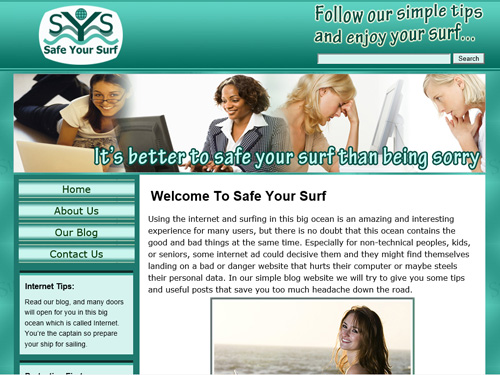
This project is about Search Engine Optimization, Social Media connections, and Google Webmaster tools. As a team of 5 developers we had to choose a topic for a blog website and each one had to write a post about the Internet and computer security. In order to demonstrate all these trends in web development, the project was created originally in a separate domain: "www.safeyoursurf.com". Due to the expiration issue of this domain (since May 2016), the project was moved to my portfolio.

My role involved designing and building the website, crafting the content, and creating a blog template for my teammates to use for posting their articles.

Technologies:

  • HTML5/CSS3
  • JavaScript
  • Adobe Photoshop
  • PHP (MVC Design Pattern)
  • NetBeans (IDE)

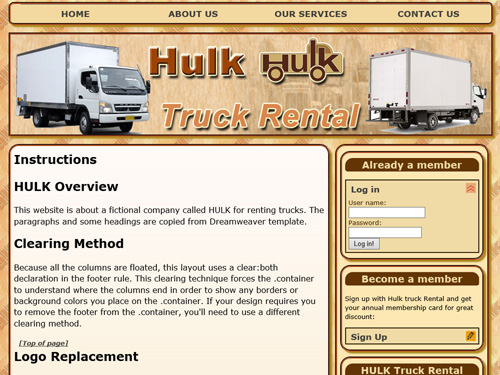
HULK:

This project is about a fictional company, it demonstrates the advanced features of Adobe Dreamweaver.

Technologies:

  • HTML5/CSS3
  • JavaScript/jQuery and jQuery UI
  • Adobe Photoshop
  • Adobe Dreamweaver (IDE)

Leave Management System (Group Project):

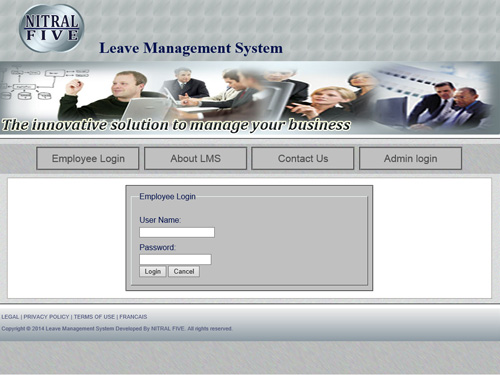
My role involved designing and developing the front-end of the project, ensuring responsiveness through CSS3 media queries. On the back end, I established the project's folder structure following the MVC pattern, and developed the entire navigation system. Additionally, I created membership credentials for both employees and administrators. Users with administrator accounts can manage employee records—adding, deleting, or updating them—and control the slideshow banner by uploading or removing images.

Technologies:

  • HTML5/CSS3 (Responsive Design)
  • JavaScript/jQuery
  • Adobe Photoshop
  • PHP/MySQL
  • GitHub Version Control
  • NetBeans (IDE)

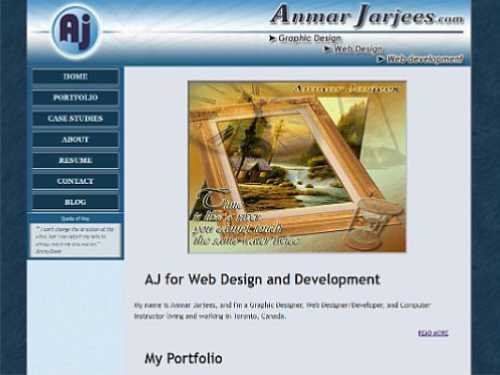
My Old Previous Website:

The original design for my personal website. The same tools and languages were used in the development of this website.

Technologies:

  • HTML5/CSS3 (Responsive Design)
  • PHP/XML
  • JavaScript/jQuery
  • Colorbox jQuery plugin
  • Adobe Photoshop
  • NetBeans (IDE)

StatFormula WPF:

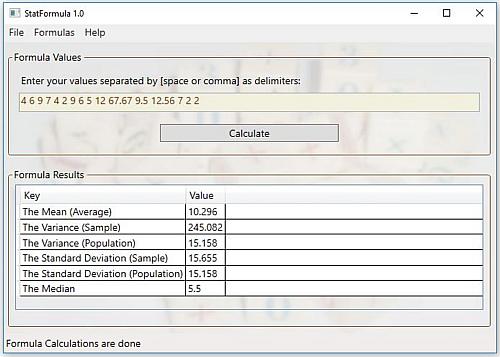
The same idea of StatFormula Web Project but this edition was created to be used as a desktop application on Windows operating systems. Users can save their values into simple text files on their local machines. In order to run the project, you can download the executable file from my GitHub repository.

Technologies:

  • Windows Presentation Foundation (WPF) with C#
  • Visual Studio Community 2015 (IDE)
  • Artweaver Free 5

Graphic Design

Logos

Elegance logo design HULK logo design PetZone logo design GTA Faith Alliance logo design Visual Design logo Nitral5 logo design Three logo design Safe Your Surf logo design

Website Mockups

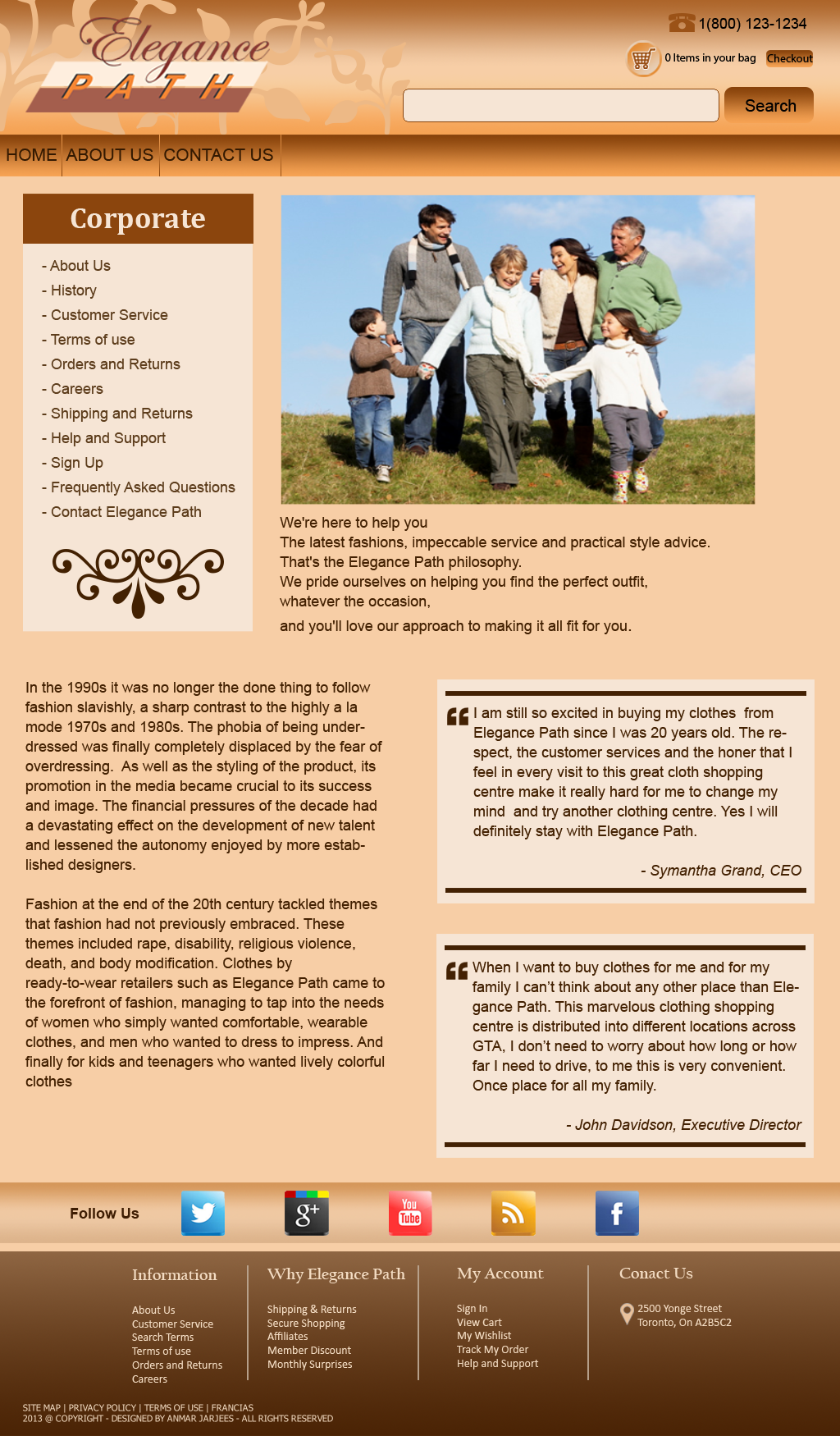
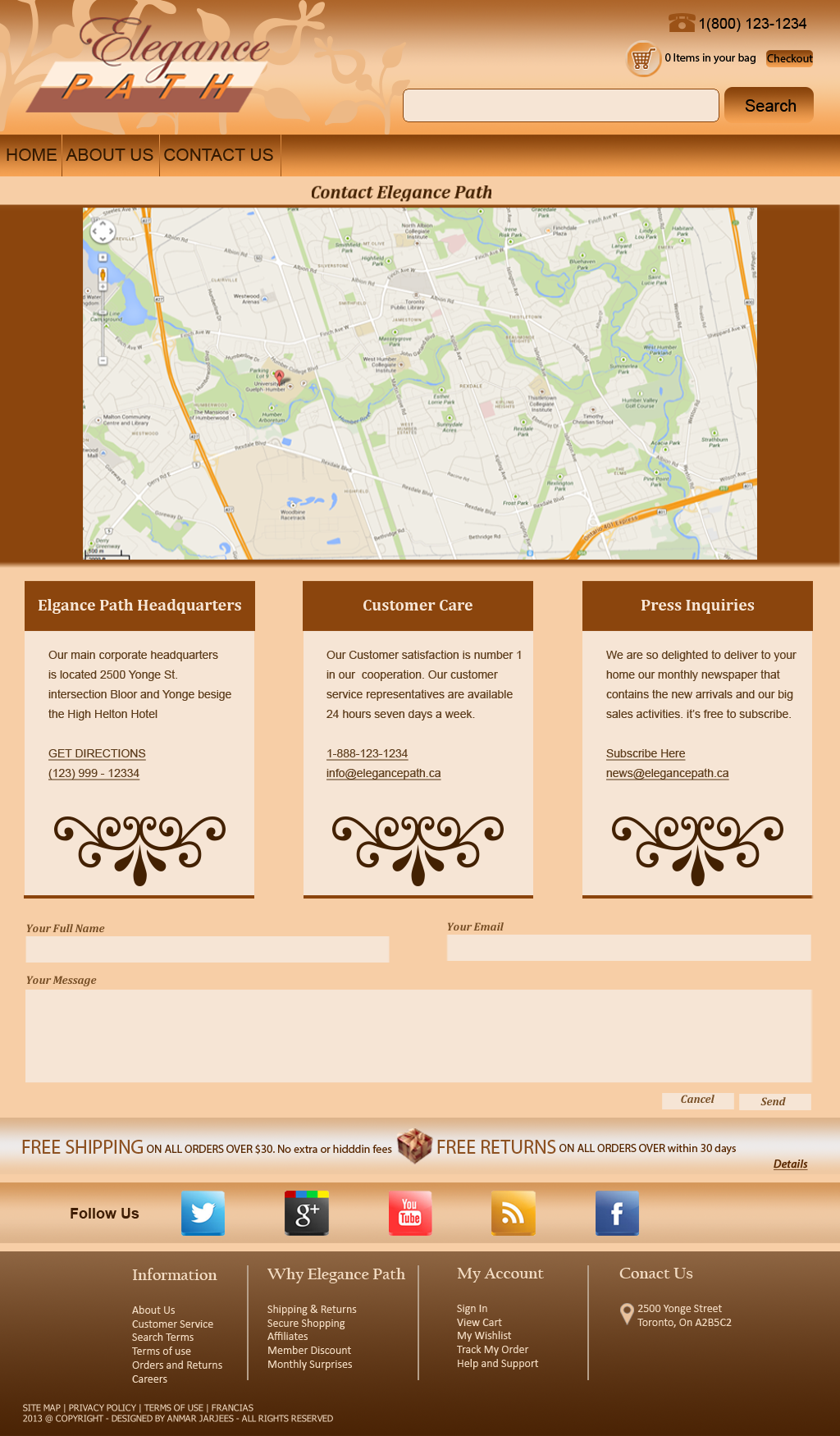
Elegance Path website mockup page 1 Elegance Path website mockup page 2 Elegance Path website mockup page 3

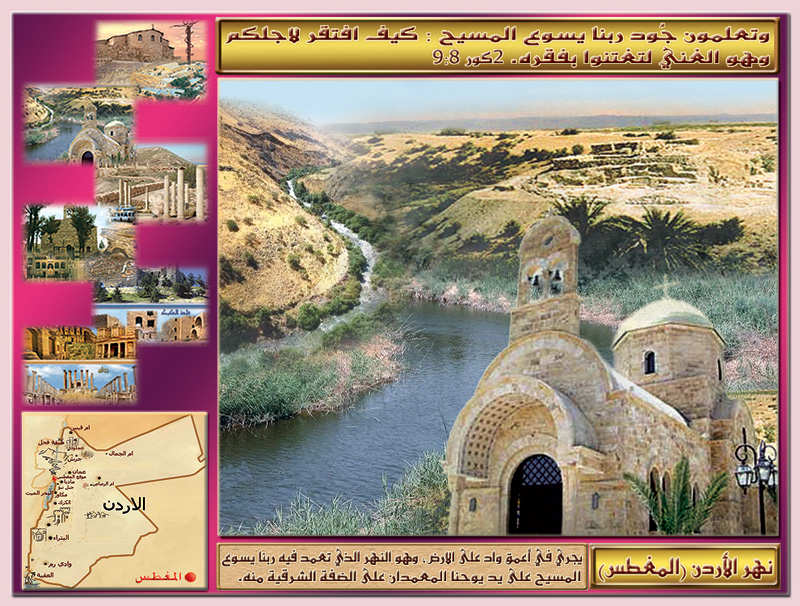
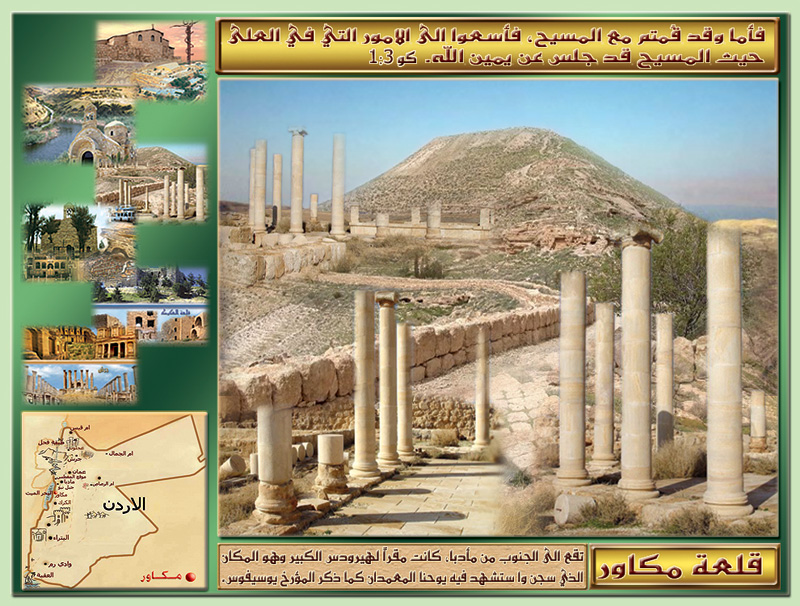
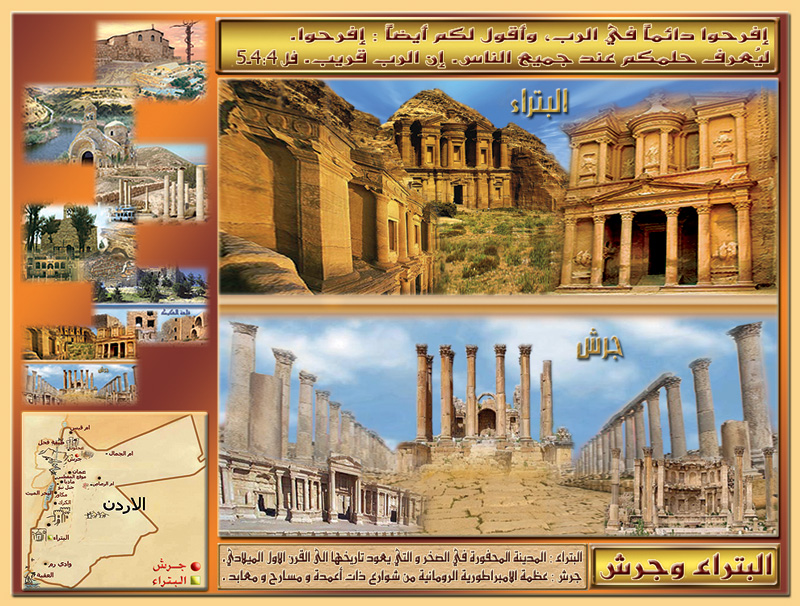
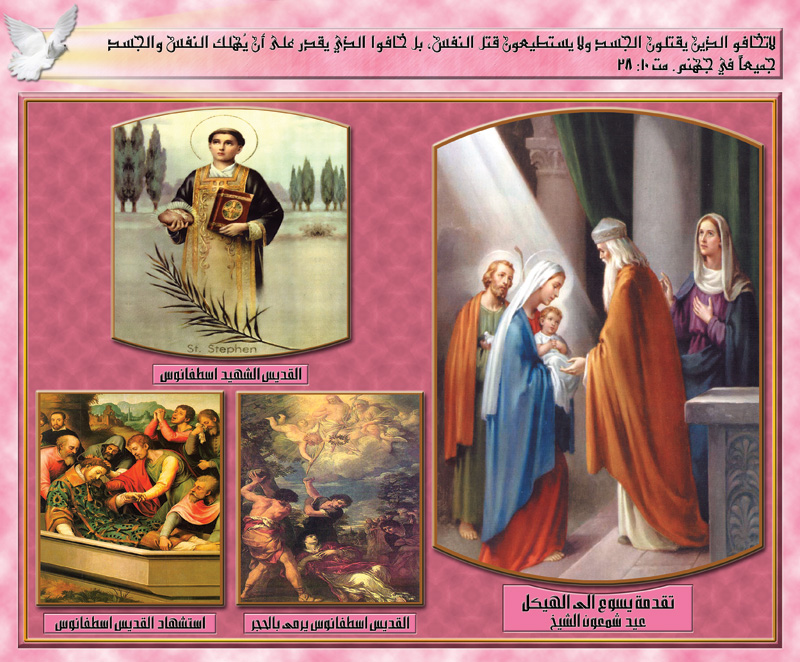
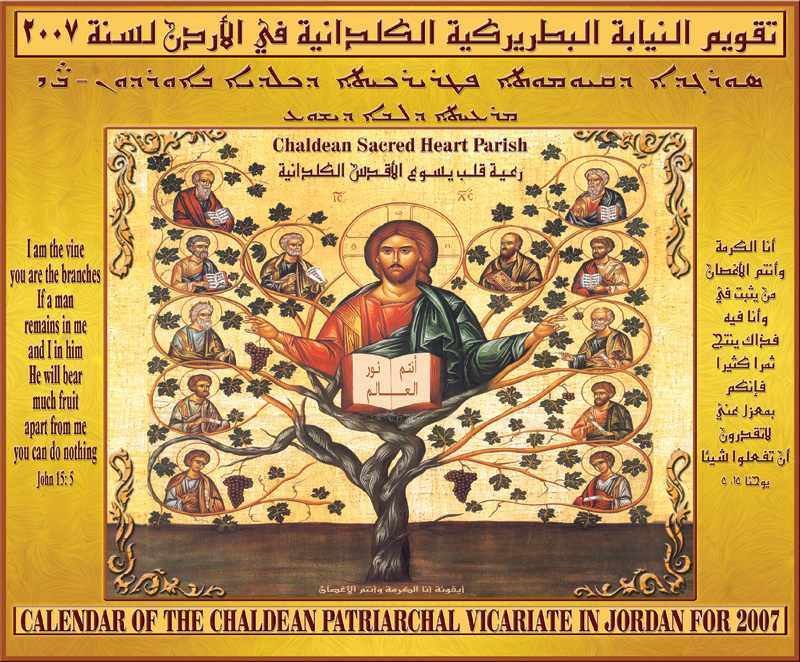
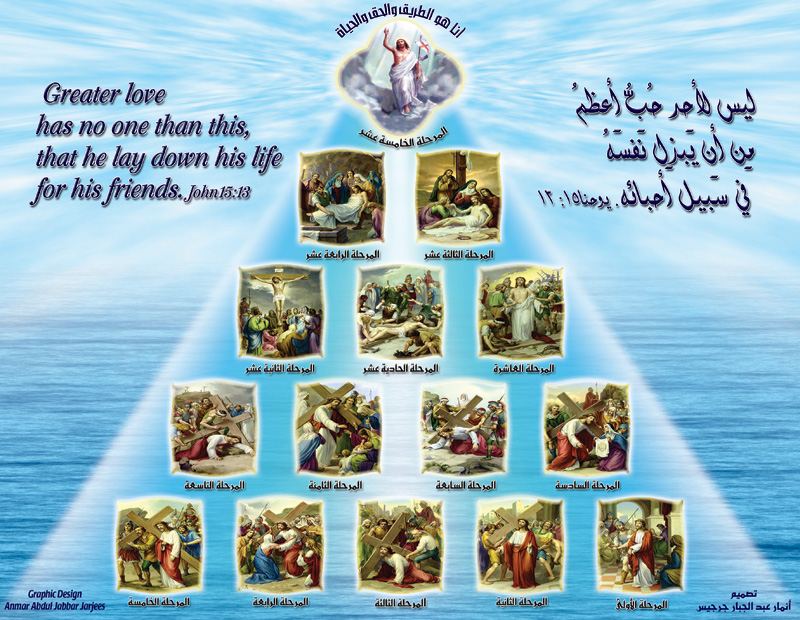
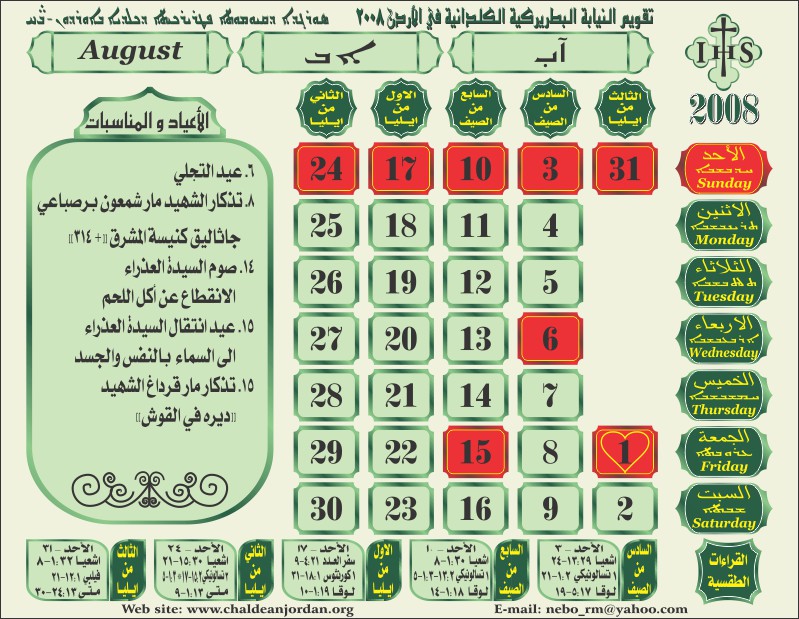
Chaldean Patriarchal Vicariate in Jordan Calendar Samples

Calendar 2006 Samples

Calendar 2006 Design Calendar 2006 Design Calendar 2006 Design Calendar 2006 Design Calendar 2006 Design Calendar 2006 Design Calendar 2006 Design Calendar 2006 Design

Calendar 2007 Samples

Calendar 2007 Design Calendar 2007 Design Calendar 2007 Design Calendar 2007 Design Calendar 2007 Design Calendar 2007 Design Calendar 2007 Design Calendar 2007 Design Calendar 2007 Design Calendar 2007 Design Calendar 2007 Design Calendar 2007 Design

Calendar 2008 Samples

Calendar 2008 Design Calendar 2008 Design Calendar 2008 Design Calendar 2008 Design Calendar 2008 Design Calendar 2008 Design Calendar 2008 Design Calendar 2008 Design

Calendar 2009 Samples

Graphic Design Sample - Calendar 2009 Graphic Design Sample - Calendar 2009 Graphic Design Sample - Calendar 2009 Graphic Design Sample - Calendar 2009

Calendar 2010 Samples

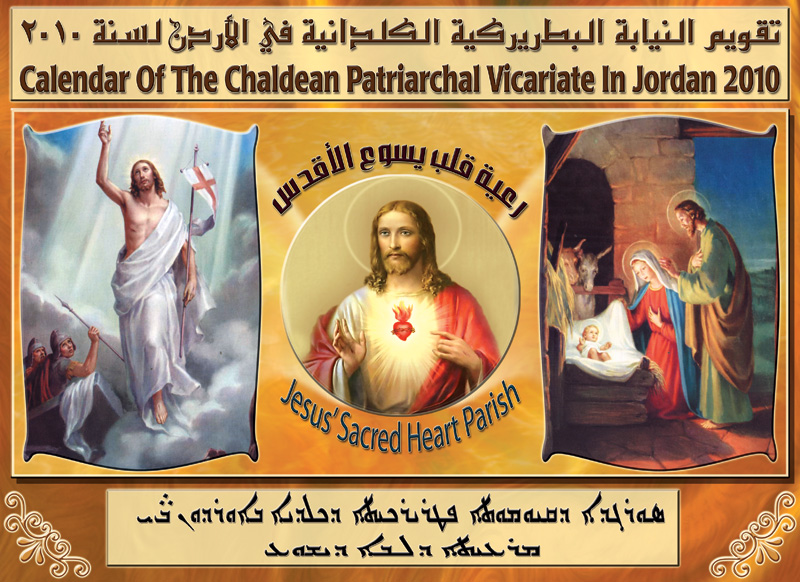
Graphic Design Sample - Calendar 2010 Graphic Design Sample - Calendar 2010 Graphic Design Sample - Calendar 2010 Graphic Design Sample - Calendar 2010

Flash Animation (Adobe Flash / Adobe Animate)

Please note that Adobe Flash Player reached its End of Life (EOL), so all Flash content has been converted to MP4 format to ensure proper playback and automatic functionality as standard video files.

Please note that these designs include interactive elements such as buttons, links, and mouse-based actions (example: drag-and-drop) that allow users to engage with the Flash animations and navigate through different scenes, steps, or slides in the original files.

These interactions and controls were originally developed using ActionScript 2 and later ActionScript 3.

Demonstration for a Non-Profit Organization GTA
Flash (Animation) Program Showcase

Primary School Flash Design

The following Flash files were designed and illustrated entirely using Flash, with no clip art used except for the cell phone. Their purpose was to support primary school students across different grade levels in understanding their subjects. As a web designer, I translated portions of the curriculum into engaging Flash animations to make the learning process more interactive and enjoyable for students.

Cellphone Basic and Main Components
Scientific Experiment: Combustion in Air
Scientific Experiment: Chemical Theories
Scientific Experiment: The Hidden Power
Game: Matching Characters

Case Studies:

Case 1: PhpStorm Laravel Configuration

PhpStorm is considered one of the famous and most commonly used IDEs for PHP developers beside NetBeans and Sublime. We can take the full advantage of this IDE when creating Web Applications using Laravel PHP Framework. As a default PhpStorm is not shipped with Laravel features support or plug-in installed.

In this article I am going to show you how to install Laravel plug-in for PhpStorm after downloading Barry vd. Heuvel code in two main steps. Notice that this article assumes that you already had installed the required package to run a Laravel project on your local server like composer and Laravel files, if you need more information you can visit Laravel 5.1 Installation page.

Stage 1:

Step 1:

In your CMD and by using composer, copy the following line from barryvdh's GitHub page and paste it into the command prompt, or just type it:

composer require barryvdh/laravel-ide-helper

You can also use PhpStorm Terminal window (at the bottom of the IDE) to run the composer or Laravel Artisan commands

Step 2:

After creating a new PHP project (contains the initial Laravel folders and files), copy the following line of code from the same page: Barryvdh\LaravelIdeHelper\IdeHelperServiceProvider::class, Then using PhpStorm you need to navigate to the wanted file:

Project Root >> config >> app.php

After opening the app.php file, search for providers array: 'providers' => [...

paste your copied line after 'Illuminate\View\ViewServiceProvider',

'Barryvdh\LaravelIdeHelper\IdeHelperServiceProvider::class',

Step 3:

using CMD or PhpStorm window run the command:

php artisan ide-helper:generate

Stage 2:

After finishing all the steps in stage 1, you should be ready to install Laravel 5 plug-in

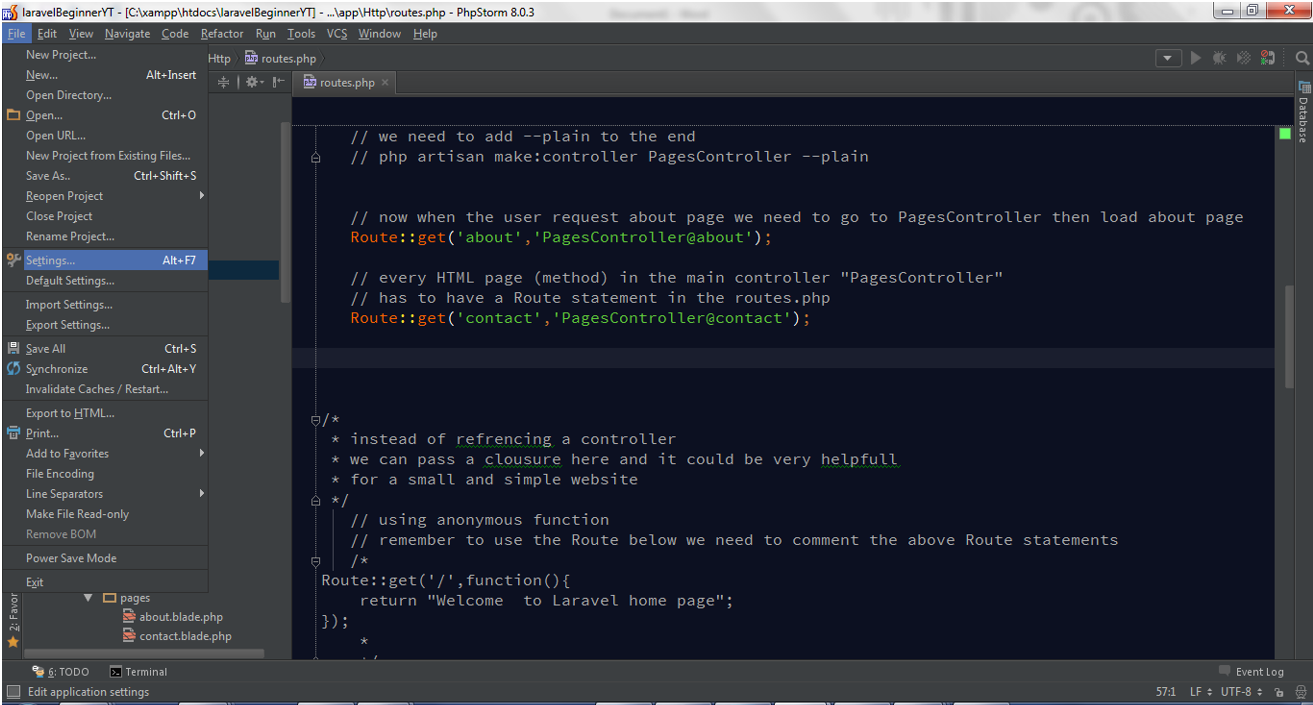
Go to to File Menu >> Settings (CTRL+ALT+S for new PhpStorm versions or Alt+F7 for old versions):

PhpStorm IDE Settings window

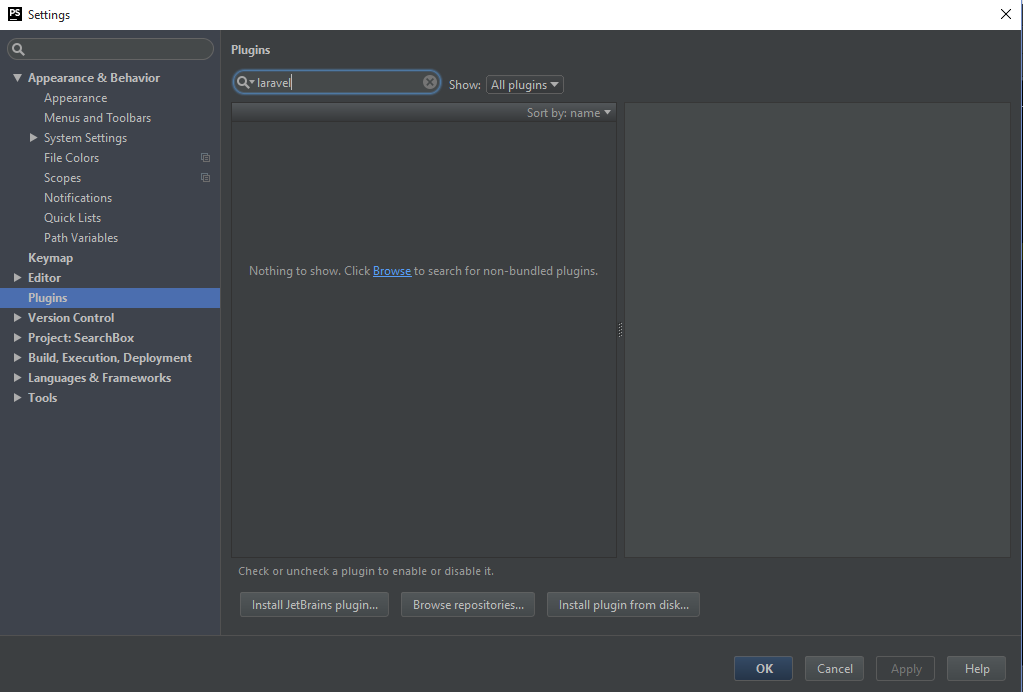
From the left pane select Plugins category, then in the search box search for laravel

PhpStorm IDE Plugins Category Search

you will see Laravel Plugin highlighted, you can click install now, and then Restart the IDE to complete the installation of the plugin

PhpStorm IDE Laravel Plugin Option

For more details you can visit Laravel Development using PhpStorm

Case 2: CodeIgniter (Removing index file)

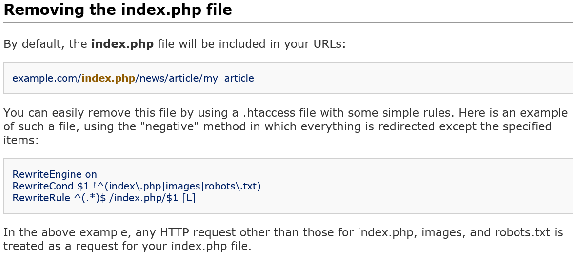
When using CI (PHP Framework), you will notice that CI includes index.php in the URL for any link to any file. When you search for this issue by typing: “ci remove index.php from url”, you will see the link to Ellislab user guide that describes how to fix or solve this issue as shown in the image below:
CodeIgniter URL configuration example

Now the explanation is very simple and clear, but unfortunately is not complete! In this post I will try to show you what I did to get my project links to work without including index.php in the URL.

Step1:

When you first install CI, you will notice the .htaccess file is inside sub folder called “Application”. You need to move it (.htaccess) to the root folder of your project. For example, if your CI website is inside a sub folder named "myproject": www.mywebsite.com/myproject, .htaccess has to be inside "myproject" folder (directory).

Step2:

Open .htaccess, clear it then write the following code:

RewriteEngine On

RewriteBase /myproject/

RewriteCond %{REQUEST_URI} ^system.*

RewriteRule ^(.*)$ /index.php?/$1 [L]

RewriteCond %{REQUEST_URI} ^application.*

RewriteRule ^(.*)$ /index.php?/$1 [L]

RewriteCond %{REQUEST_FILENAME} !-f

RewriteCond %{REQUEST_FILENAME} !-d

RewriteRule ^(.*)$ index.php?/$1 [L]

ErrorDocument 404 /index.php

Notice that in the second line of the code, the CI website name is myproject. You need to change it based on your project root folder name.

Step 3:

Open config.php file here is the path for this file:

Myproject/application/config/config.php

First:

You will see the following comment plus $config['base_url']

// the config[base url] file is the root folder name and anything before that:

Change the value of $config['base_url'] to:

For localhost (on your pc):
$config['base_url'] = ‘http://localhost/myproject/’;

For your online server:
$config['base_url'] = ‘http://www.mydomain.com/myproject/’;

Second:

In the same file (config.php), you will see the line: $config['index_page'] = ‘index.php’;

Remove the index.php as shown below:

$config['index_page'] = ”;

Step4:

I assume you have your main navigation links inside php template file named header, navigation, or any name you chose. You need to change the links in your main nav to look like this:

<li><a href=”<?php echo base_url();?>mainsite/home”>home</a></li>

mainsite is your main controller name
home is the function name inside your mainsite controller that load home page from the view folder

About Me

About Anmar Jarjees

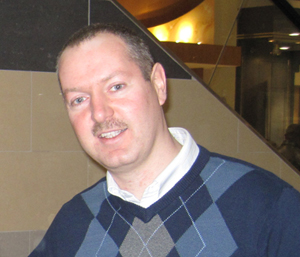
Anmar Jarjees - Software Developer and Instructor After completing my Bachelor’s degree in Computer Science and Information Systems, my first role was as a Computer Technician. I found great satisfaction in troubleshooting and resolving software and hardware issues, as well as building desktop computers from scratch and setting up Local Area Networks (LAN). Later, I transitioned into design, working in both print and web design. To excel in this new field, I taught myself essential graphic design tools and the programming languages needed for front-end web development.
My diverse experience in hardware, software, graphic design, and web design allowed me to work part-time as a computer instructor for a non-profit organization shortly after arriving in Canada. This role enabled me to apply and expand my skills across these various fields.

Driven by my passion for web development, I pursued specialization in this field due to its integration of design and programming skills. This enthusiasm motivated me to enroll in the Web Design and Development Certificate Program at Toronto Metropolitan University (formerly known as Ryerson University) .

Although my initial experience in back-end web development began with PHP at Toronto Metropolitan University, I aimed to expand my expertise by delving into .NET frameworks and programming. To further this goal, I pursued the Microsoft .NET Certificate Program at Centennial College.

I envision building web applications with PHP or ASP.NET/C# as similar to playing music on a piano versus a workstation synthesizer. With PHP, developers rely primarily on their coding skills, much like a pianist relies on their technique. In contrast, working with ASP.NET/C# involves not only coding but also mastering the diverse features and tools provided by the .NET framework, similar to how a synthesizer offers a wide range of sounds and effects to explore.

My professional experience includes teaching at Georgian@ILAC. My previous role was also as an instructor at Canadian Business College. For more details about my education and work experience, please check my LinkedIn profile . Designing and developing engaging projects not only challenges our creativity but also ensures that our knowledge stays current in this rapidly evolving field.

Technical Profile

  • Application Software
    • Adobe Creative Suite CC
      • Dreamweaver
      • Photoshop
      • Illustrator
      • Animate
      • InDesign
    • Microsoft Office Suite
      • Word
      • Excel
      • PowerPoint
      • Access
      • Outlook
      • Publisher
  • Computer Languages
    • HTML/CSS
    • JavaScript/jQuery
    • C#
    • PHP
    • Python
    • TypeScript
  • Frameworks
    • ASP.NET Core
    • Vue.js
    • Node.js/Express
    • AngularJS
    • Bootstrap
    • Laravel
    • CodeIgniter
  • Database Management Systems
    • MySQL
    • Microsoft Access
    • Microsoft SQL Server
  • Content Management Systems
    • WordPress
  • IT Support & Infrastructure Background
    • PC Assembling, Installation/Upgrading
    • Maintenance and Troubleshooting
    • LAN (Ethernet)
    • Peripherals

Professional Experience

Delivered college-level IT and design courses including Graphic Design, Web Design/Development, Computer Hardware, and Microsoft Office Suite.

Created, developed, managed, and maintained websites.

Installed and configured PC network backup, virus detection and removal, system upgrade, reformatting, and repair of equipment.

Education

  • .NET Development Certificate:
    • Centennial College
  • Web Applications Development Programming Certificate:
    • Centennial College
  • Computer Programming Certificate:
    • Centennial College
  • Systems Analysis Certificate:
    • Centennial College
  • Web Development Ontario Certificate:
    • Humber College
  • Web Design and Development Certificate:
    • Toronto Metropolitan University (formerly Ryerson University)
  • B.Sc. Computer Science and Information Systems:
    • Al-Mansour University College

Contact Me